Turn any photo into a complete PBR material set.
Texturity PBR is a texture generator for Mac that transforms your photos and images into production-ready Physically Based Rendering (PBR) materials. A specially trained Artificial Intelligence model integrated directly into the app generates 5 PBR texture maps, including Normal, Albedo, Depth, Ambient Occlusion, and Roughness, to create realistic materials for 3D models, games, architectural visualization, product rendering, and visual effects.

One time payment. No Subscriptions. 3-day trial. Offline generation.
System Requirements: macOS 12 or higher
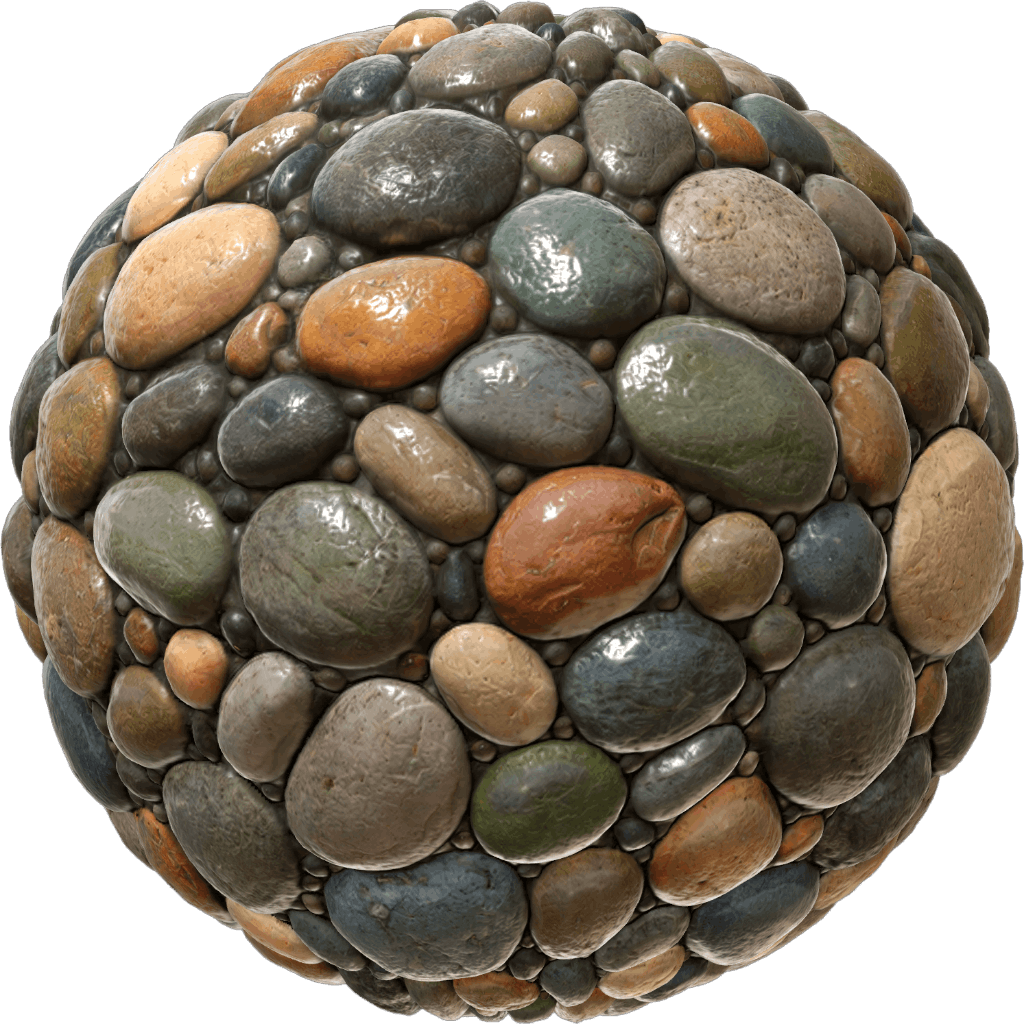
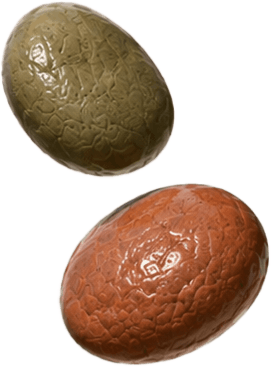

The generated textures are suitable for
Inside Texturity PBR
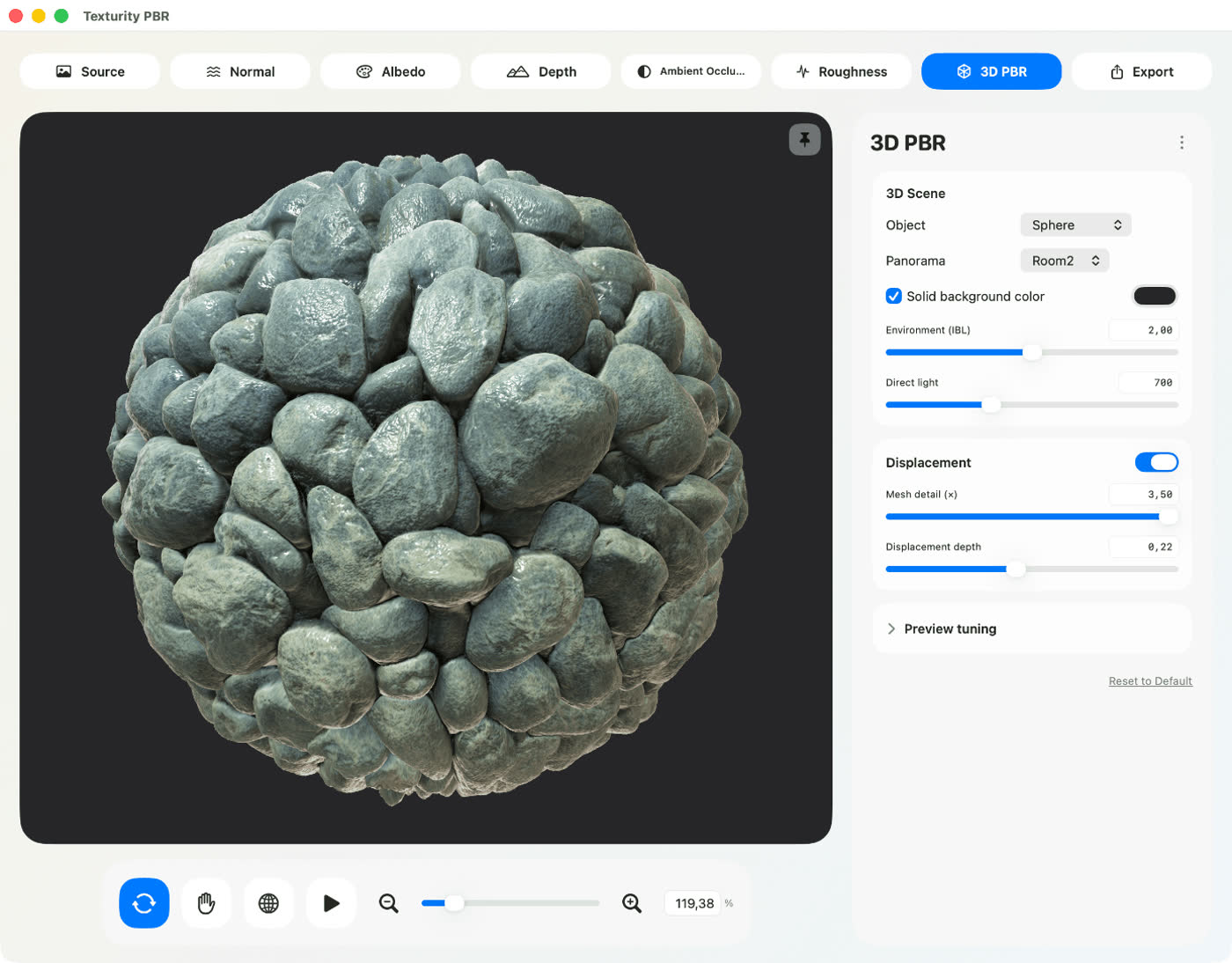
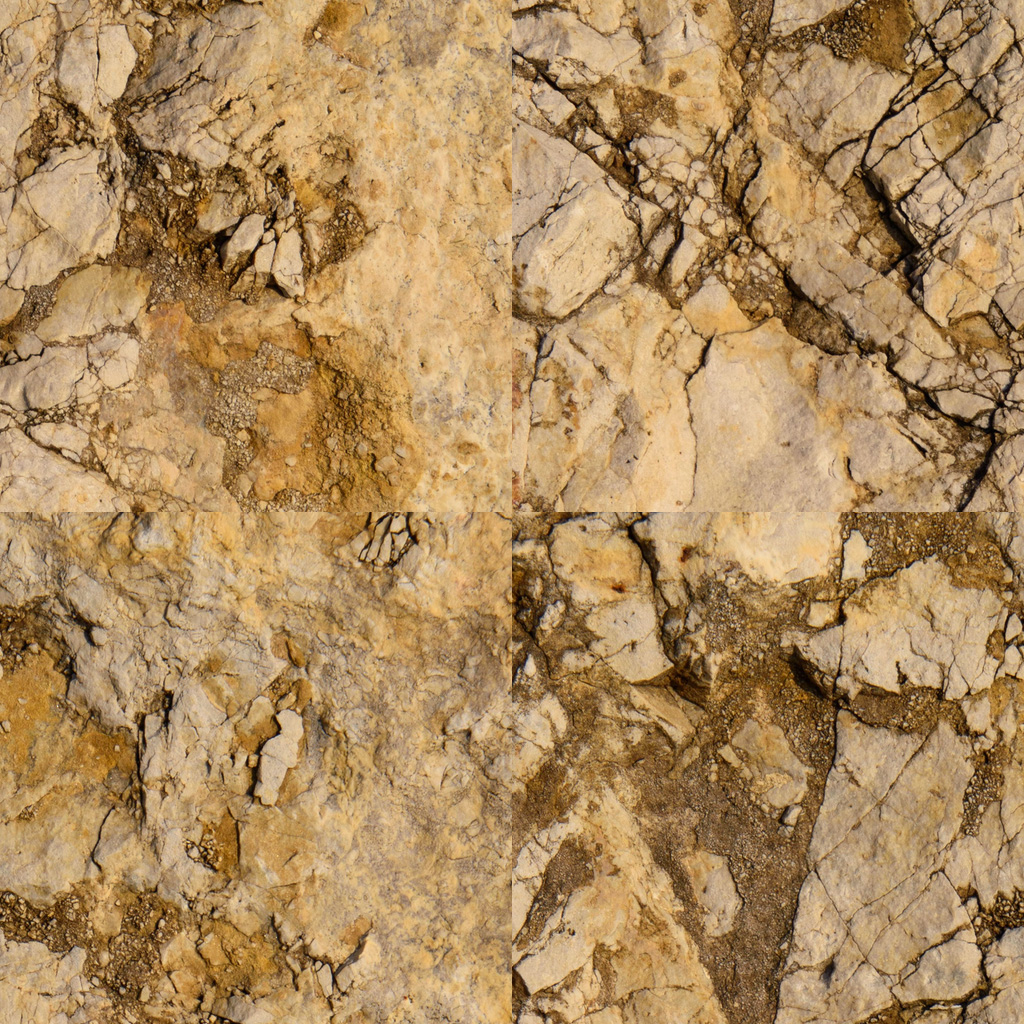
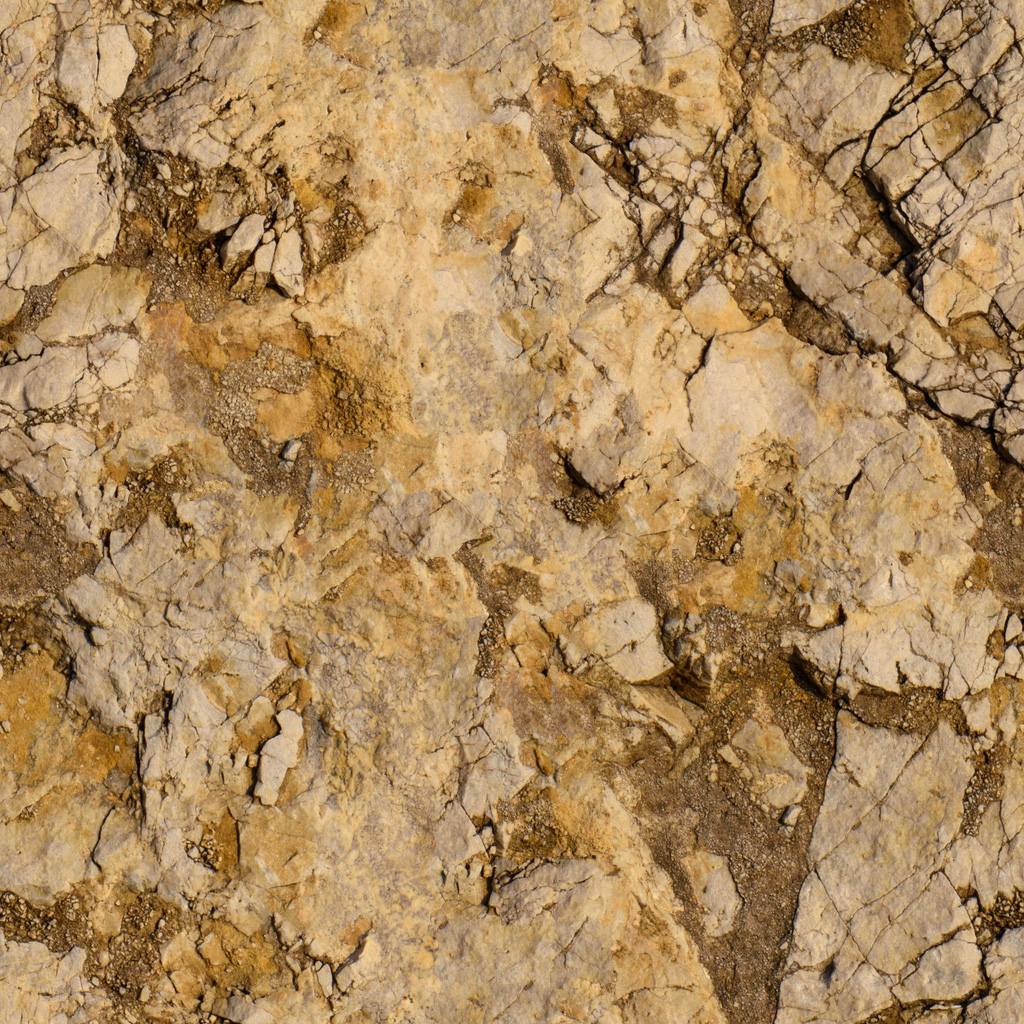
Create seamless textures from any image
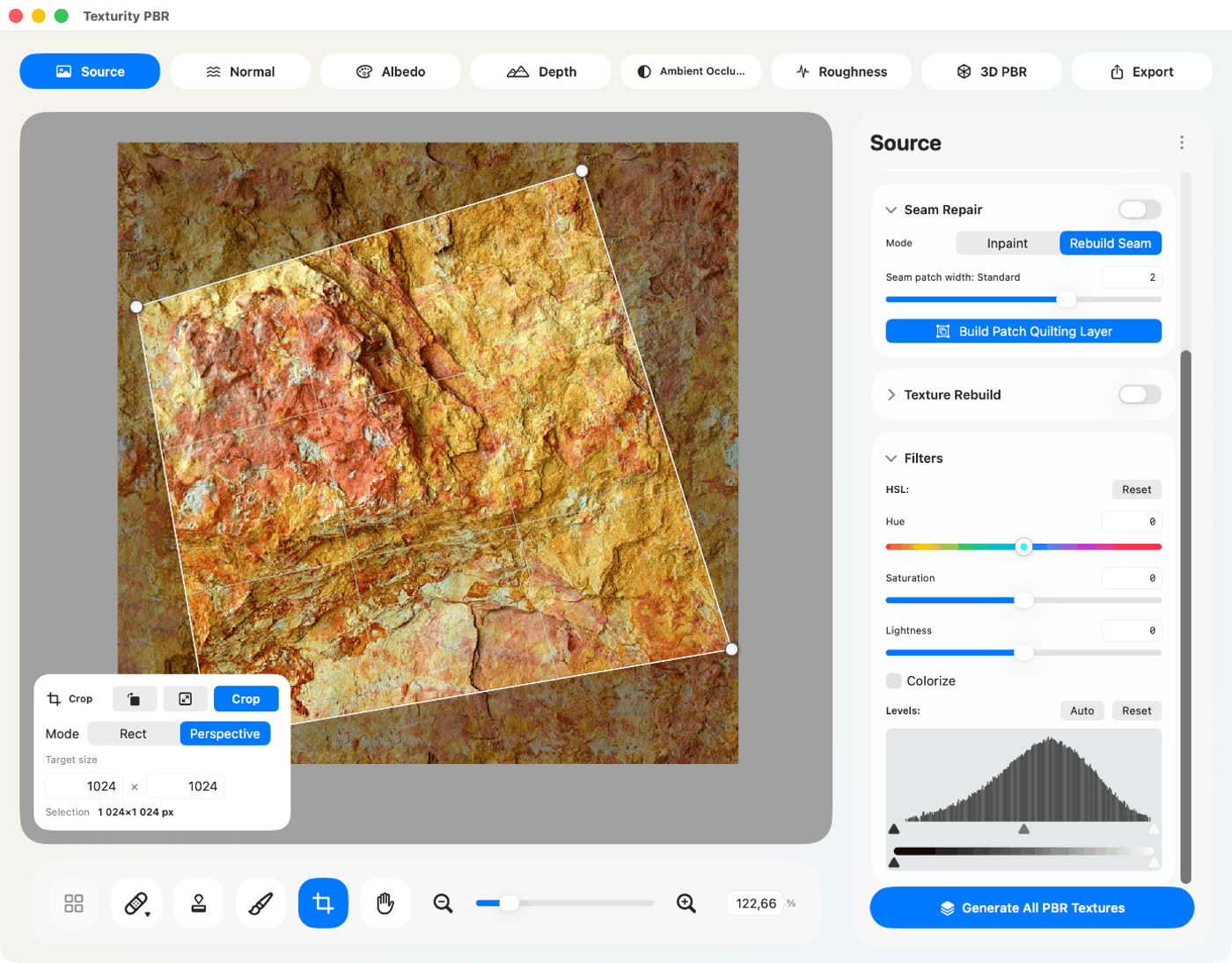
Texturity PBR uses an embedded AI model to automatically remove visible seams, repetitive patterns, and texture artifacts, transforming photos into seamless, tileable materials for large surfaces in 3D environments. For even smoother results, the advanced Patch Quilting tool intelligently blends neighboring texture regions to produce natural transitions and uniform texture repetition.
Ideal for
Generate complete PBR texture sets
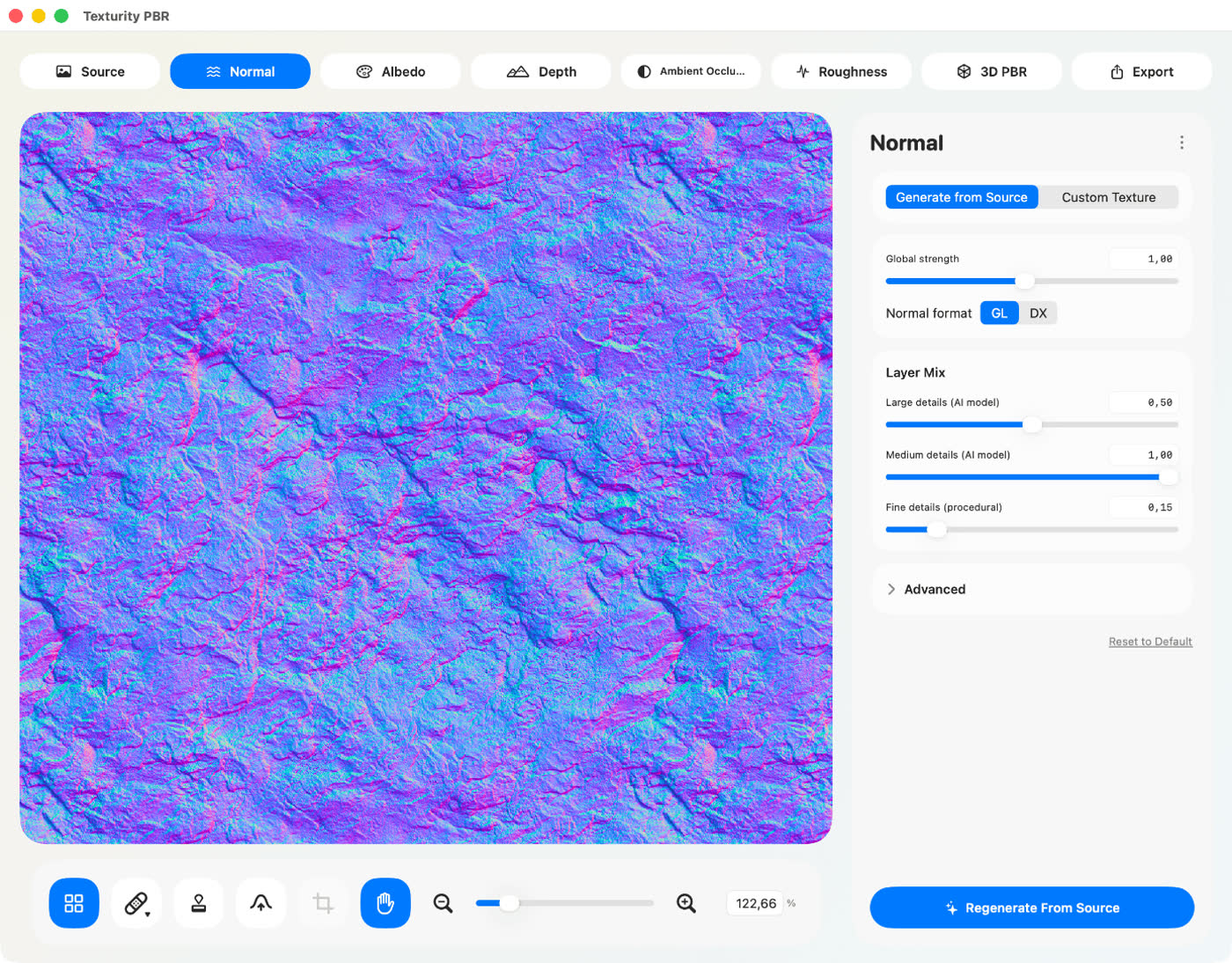
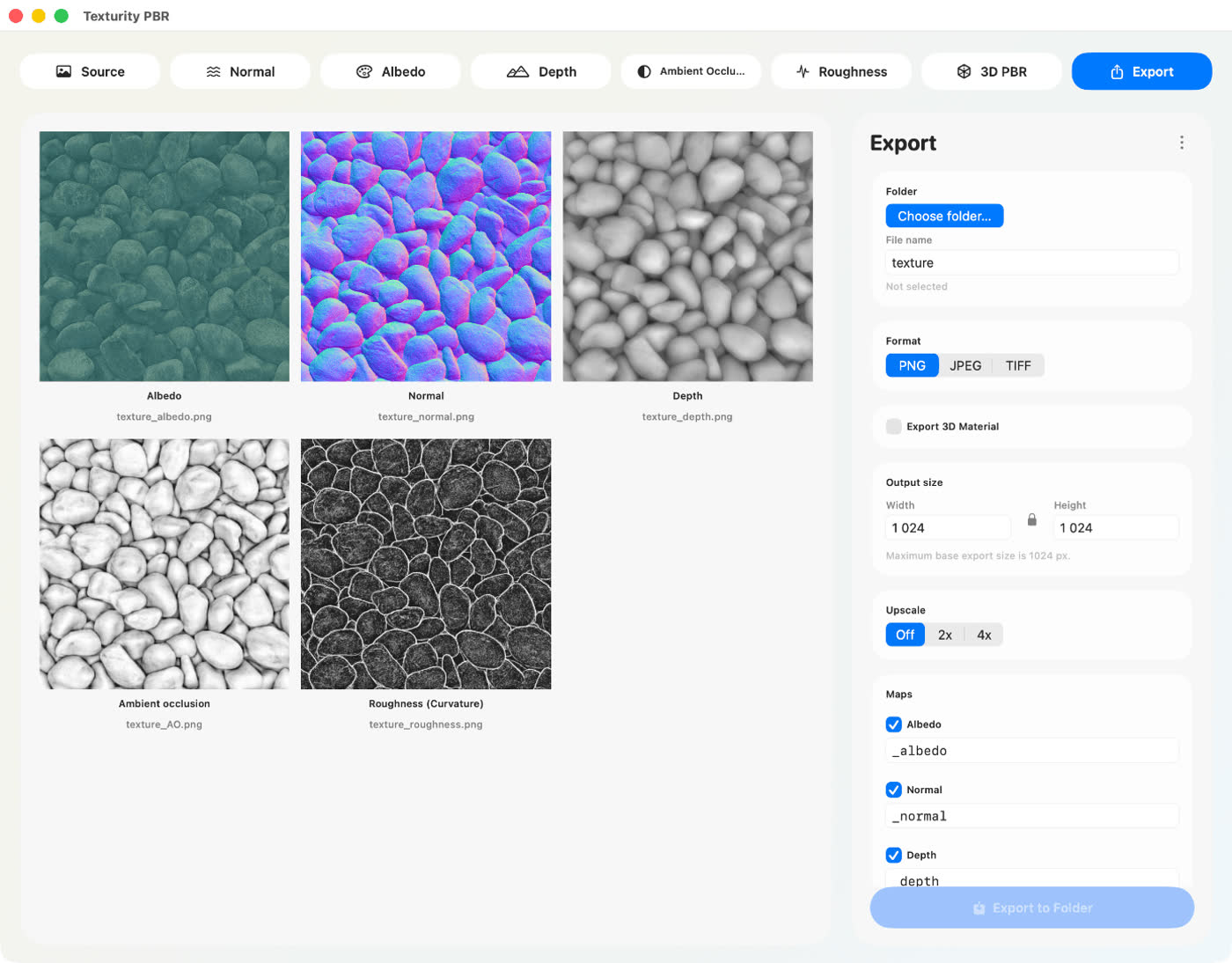
Texturity PBR uses an embedded AI model to automatically generate five essential textures, each optimized for use in games, visual effects, interior and architectural renderings, and other apps that create photorealistic 3D scenes.
The AI removes baked lighting and shadows from the Albedo map for a clean, neutral base color, and predicts surface volume from your source image to build accurate Normal and Depth maps.
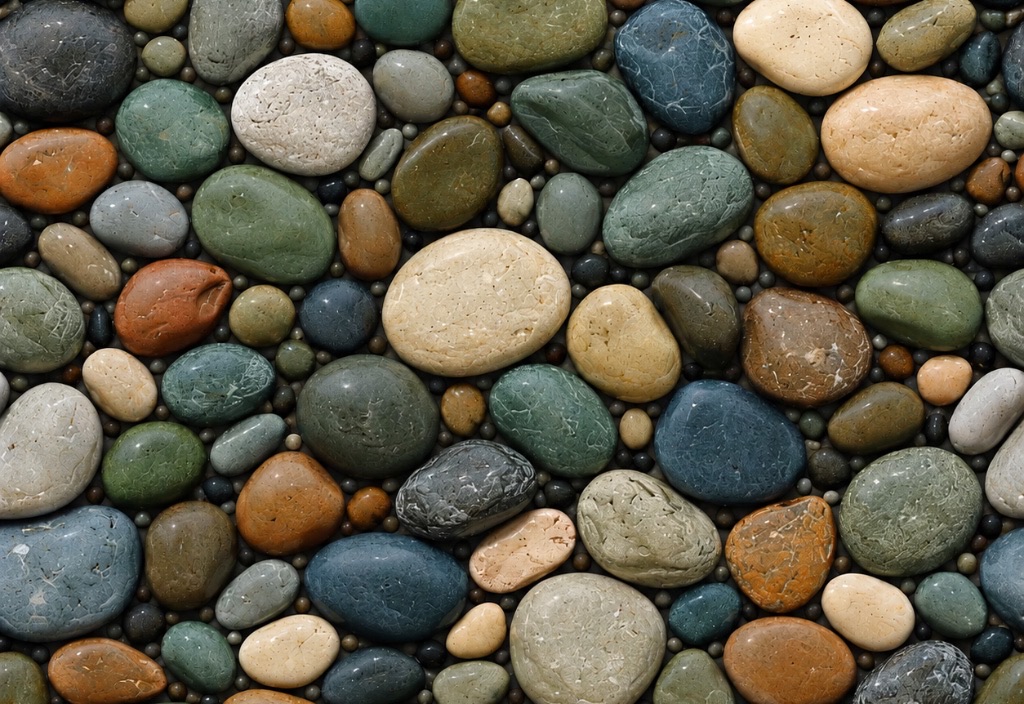 SOURCE IMAGE

Professional texture retouching tools
Improve texture quality before generating materials with built-in texture editing tools.
All texture repairs are automatically synchronized across tiled sections, helping maintain consistency throughout the entire material.

Clone stamp tool
Copy texture details from one area of an image and paint them onto another region to eliminate seams, remove distractions, and improve texture consistency. The Clone Stamp tool provides precise control for repairing problematic areas and creating cleaner tileable textures.

Remove tool
Quickly remove dust, scratches, unwanted objects, and small imperfections. A fast AI model analyzes the surrounding area and blends corrections seamlessly into the image.

Hue, saturation & levels
Fine-tune source images before generating materials with built-in adjustment filters. Control hue, saturation, brightness, and levels to balance color, contrast, and tonal range for cleaner, more consistent PBR output.
Preview & export
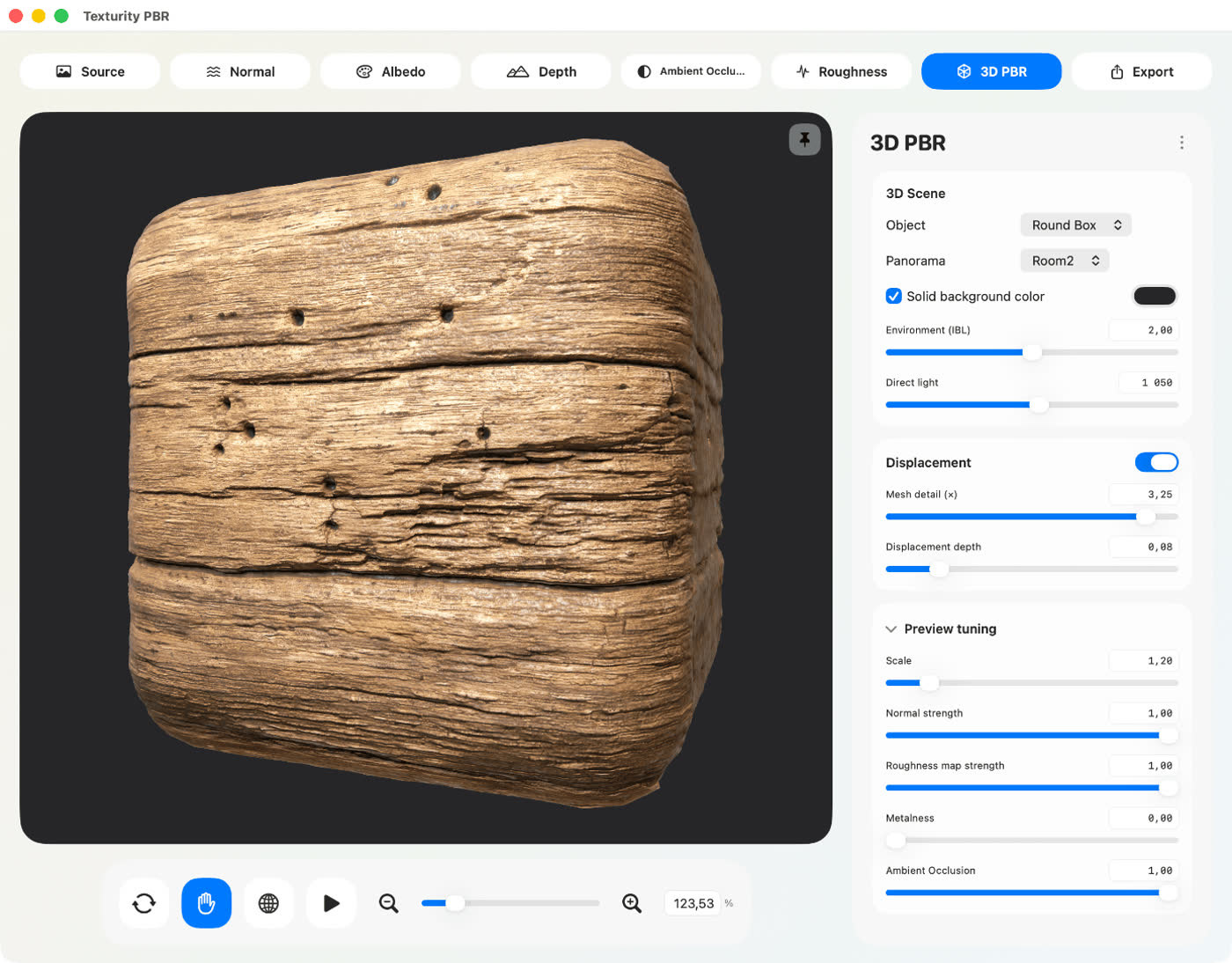
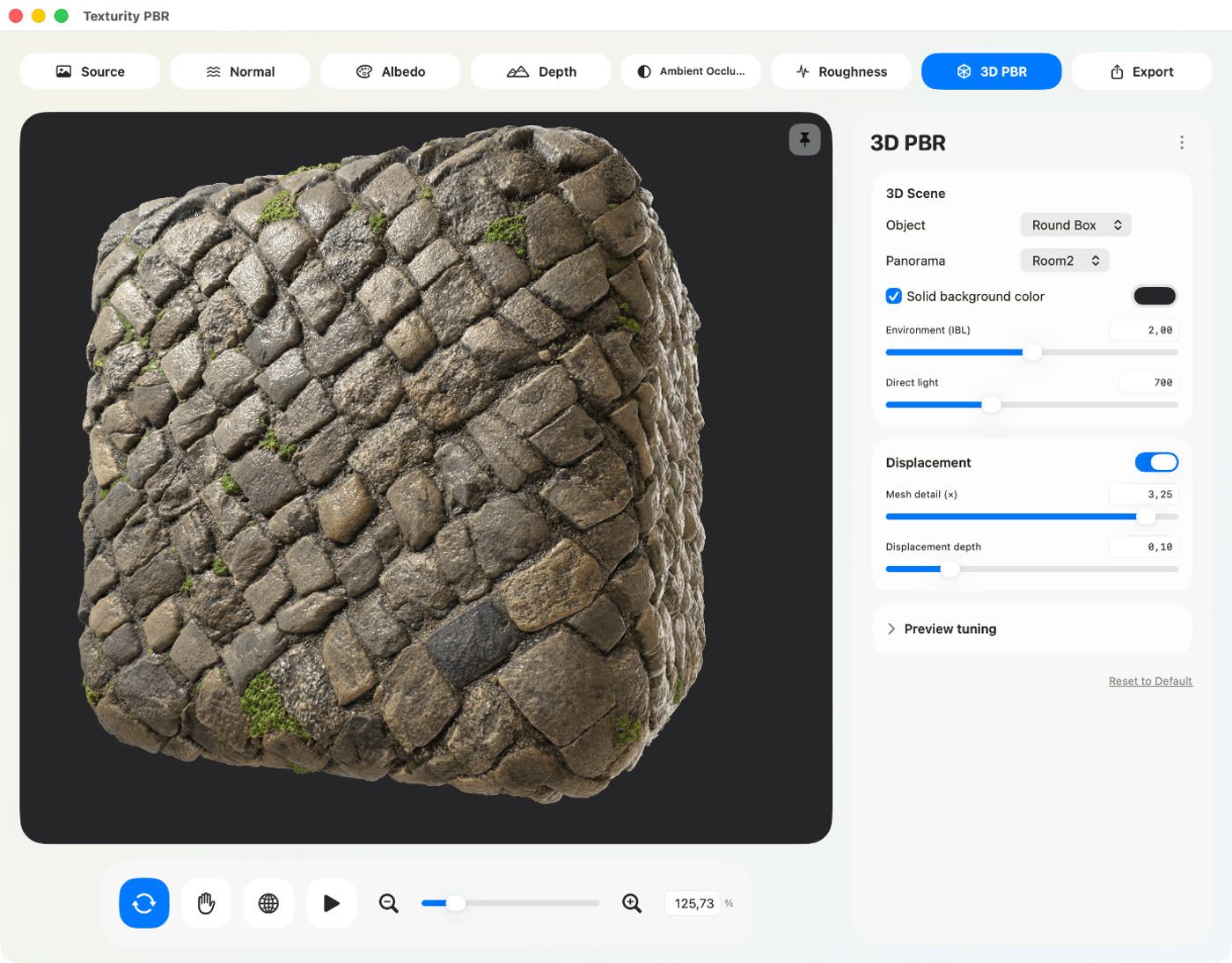
Preview generated materials instantly on an interactive 3D model before exporting. Adjust texture settings, inspect lighting response, and evaluate material realism in real time. The integrated 3D preview helps ensure your textures look accurate and consistent before importing them into your rendering or game development pipeline.
Export generated texture maps in high-quality JPEG, TIFF, or PDF formats. Texturity PBR creates materials that are ready for immediate use in popular 3D modeling, rendering, game development, and architectural visualization applications, including Live Home 3D.
Free stock images, ready to import
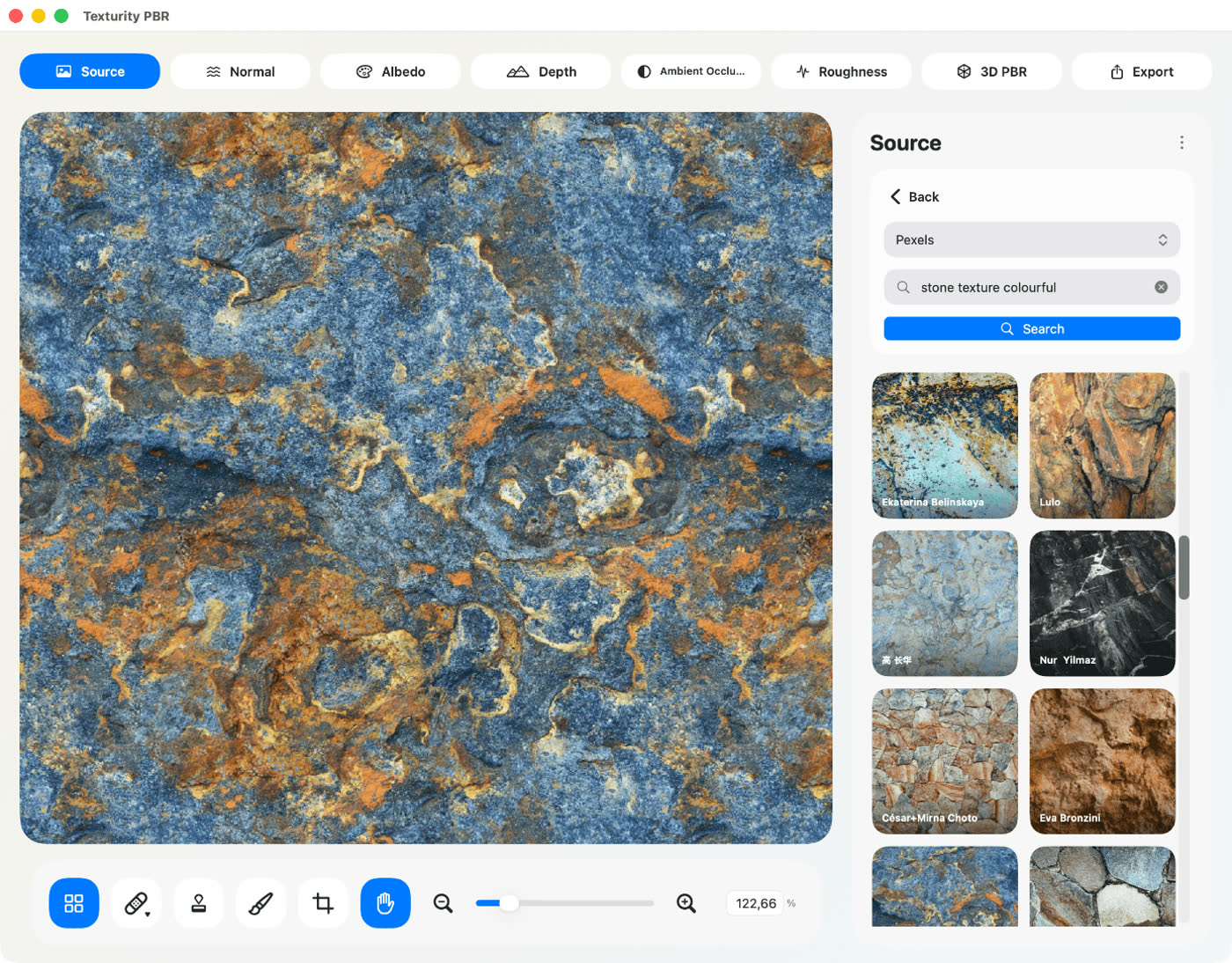
Start with inspiration, not a blank canvas. Texturity PBR connects you to a vast collection of high-quality photographs from leading free stock platforms—Pexels, Unsplash, and Pixabay—so you can browse beautiful surface references without leaving the app.
Every image is free to use in your projects. Search by keyword to find wood, stone, fabric, concrete, and more, then import your chosen photo directly into Texturity PBR with a single click—ready to tile, retouch, and transform into a complete PBR material.
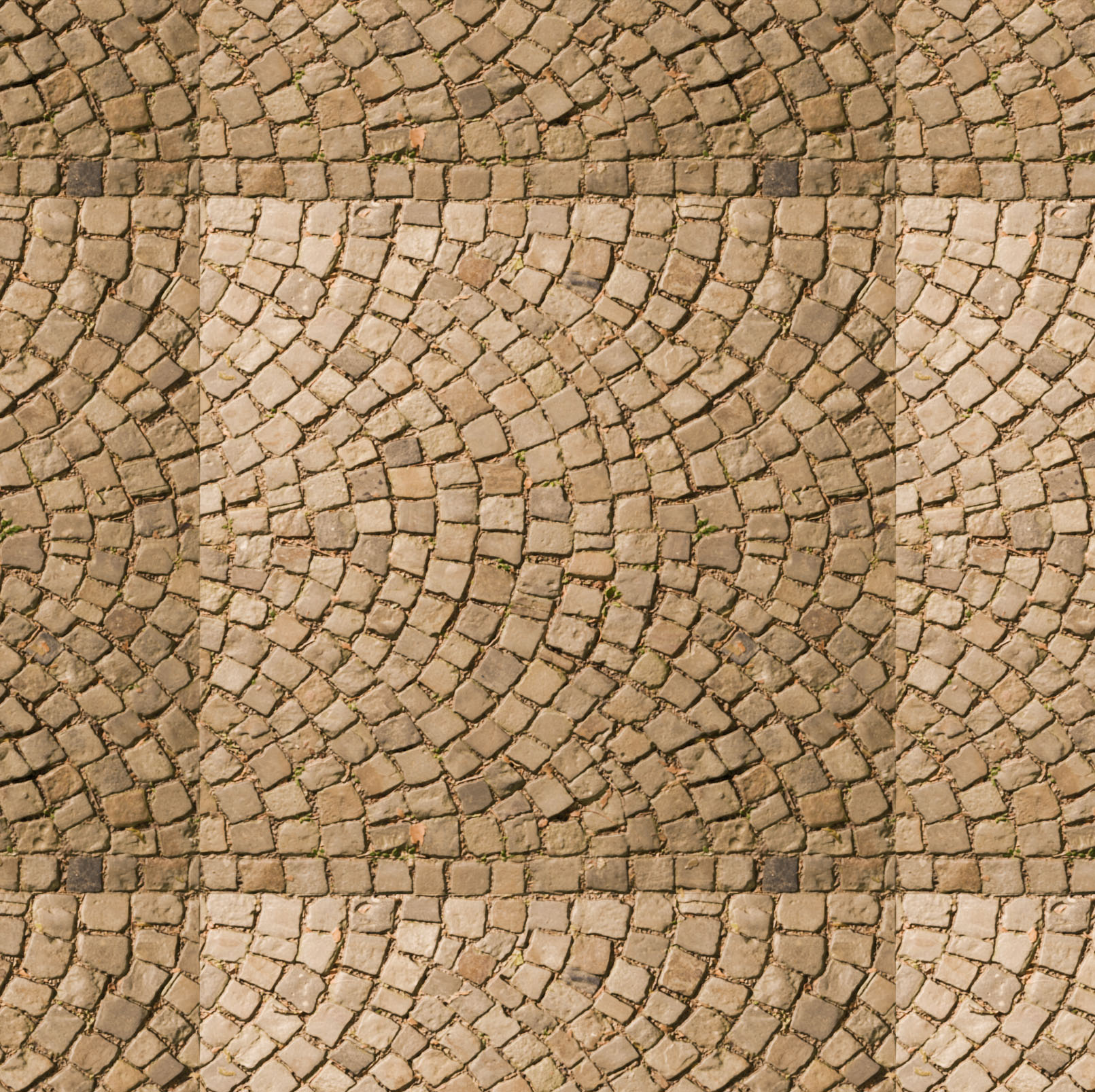
Even out illumination before you tile
Photographs rarely capture a surface evenly. Directional light, lens vignetting, and subtle color casts leave brightness gradients that only become obvious once a texture repeats across a large floor, facade, or game environment.
Texturity PBR automatically analyzes lighting and color across your source image and works to neutralize those inconsistencies—lifting corner shadows, softening uneven highlights, and balancing tonal drift while preserving the fine detail that makes a material feel real. The result is a cleaner, more uniform base that tiles naturally, without the telltale pools of light or dark bands that break immersion in archviz, product rendering, and real-time 3D.
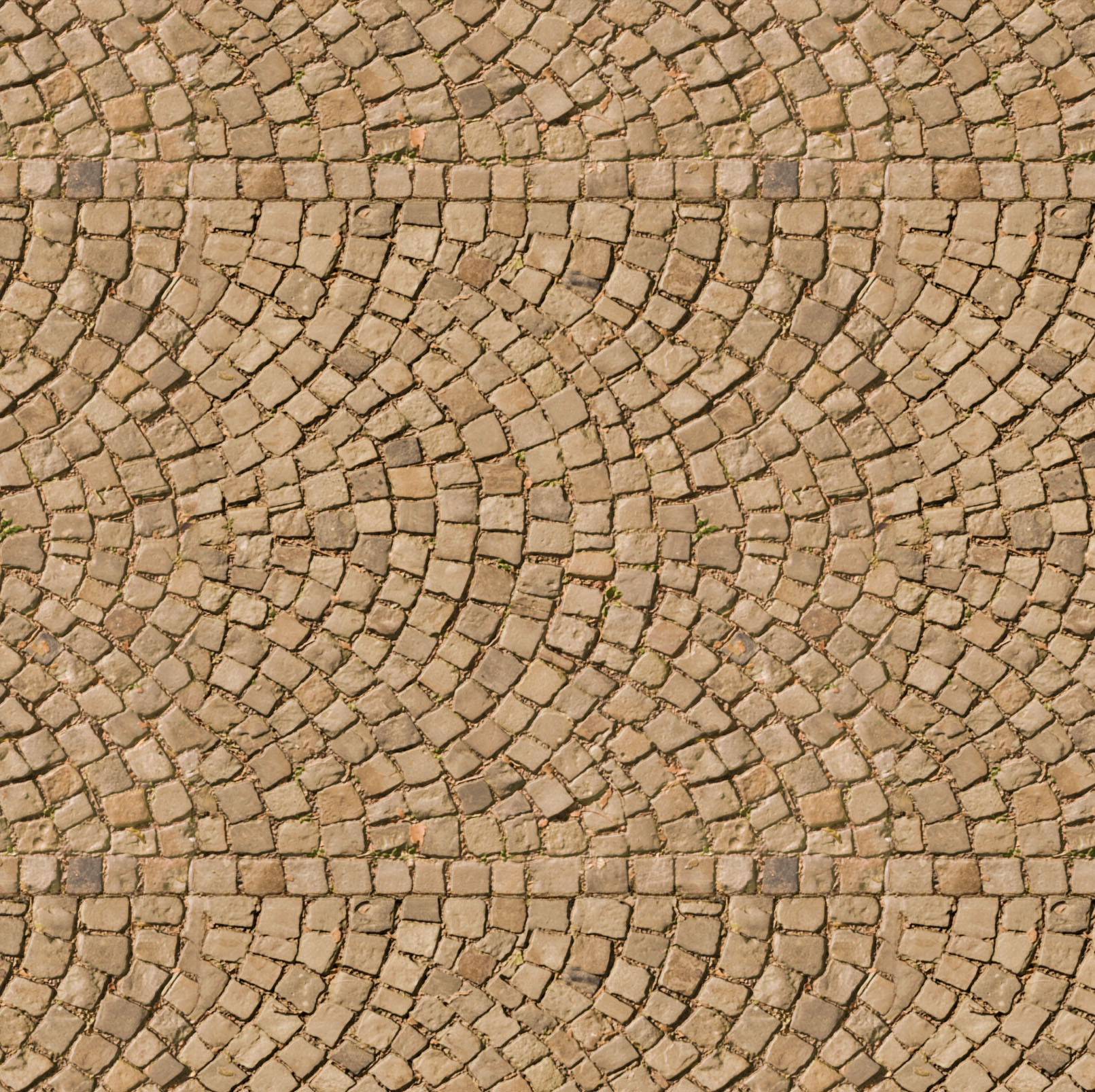
Reassemble a surface into a richer new pattern
Sometimes a source photo is too limited—repeating shapes, obvious clusters, or a composition that feels samey once it tiles. Texture Rebuild breaks the image into fragments and recombines them into a fresh surface with a new overall rhythm, while keeping the character of the original material.
Adjust the scale to control how the pattern evolves: at a finer scale, individual elements become smaller and the layout grows more varied, reducing visual repetition and producing a denser, more natural texture that holds up on large 3D surfaces, floors, and environment assets.
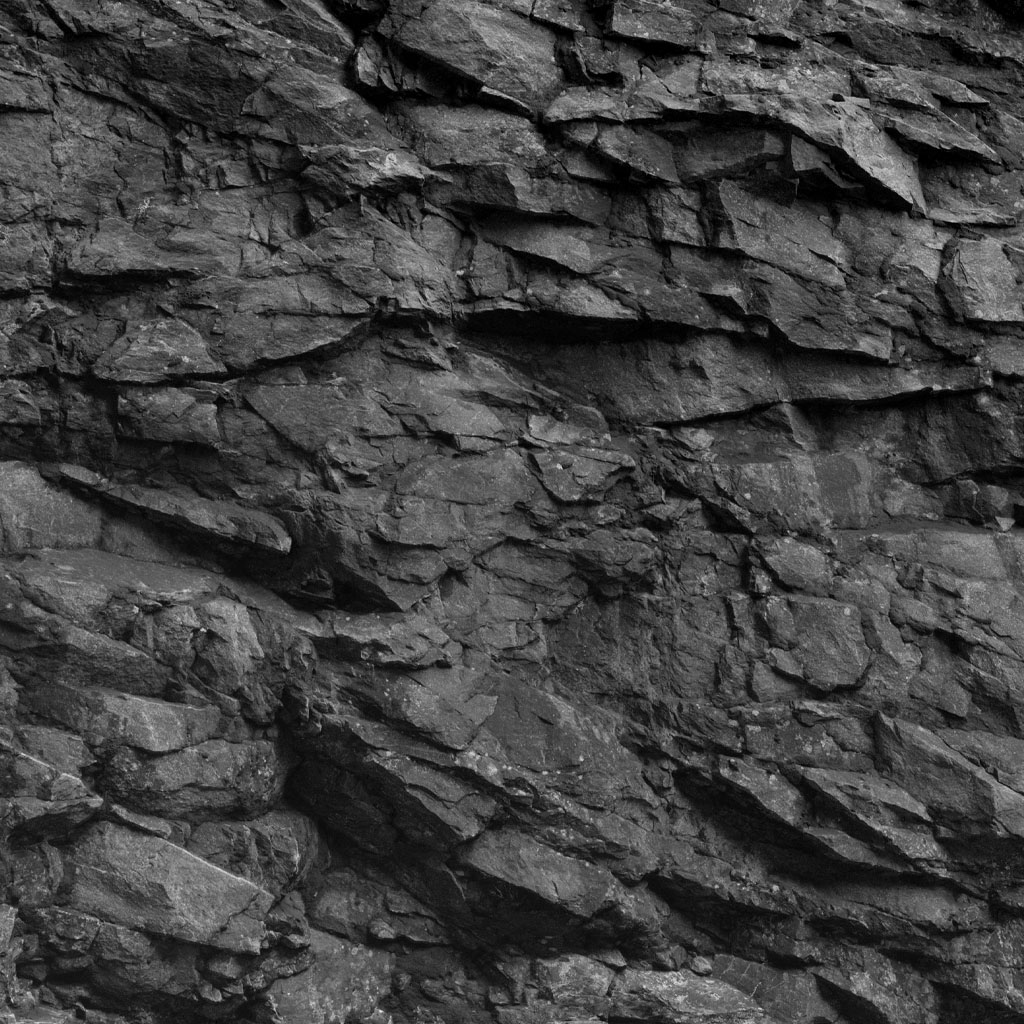
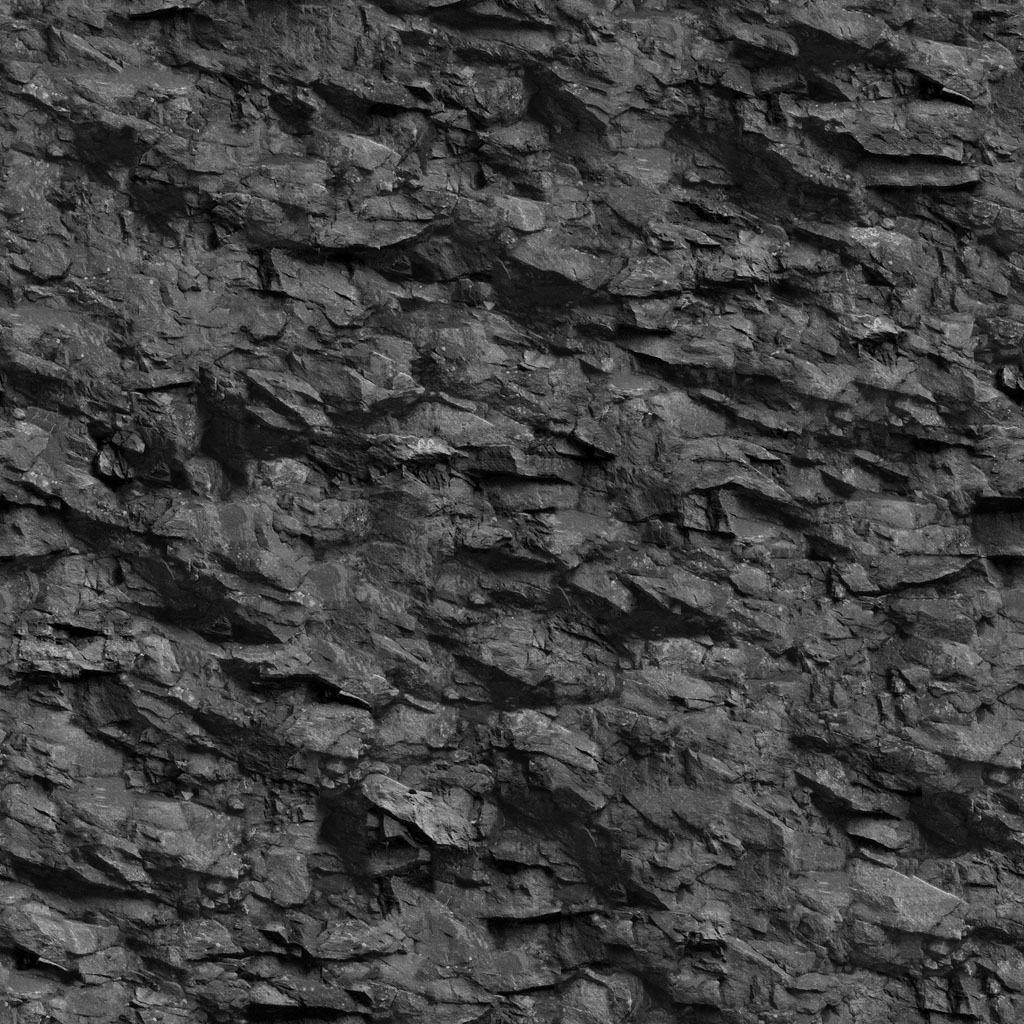
Explore generated PBR materials
Shape relief and paint detail by hand
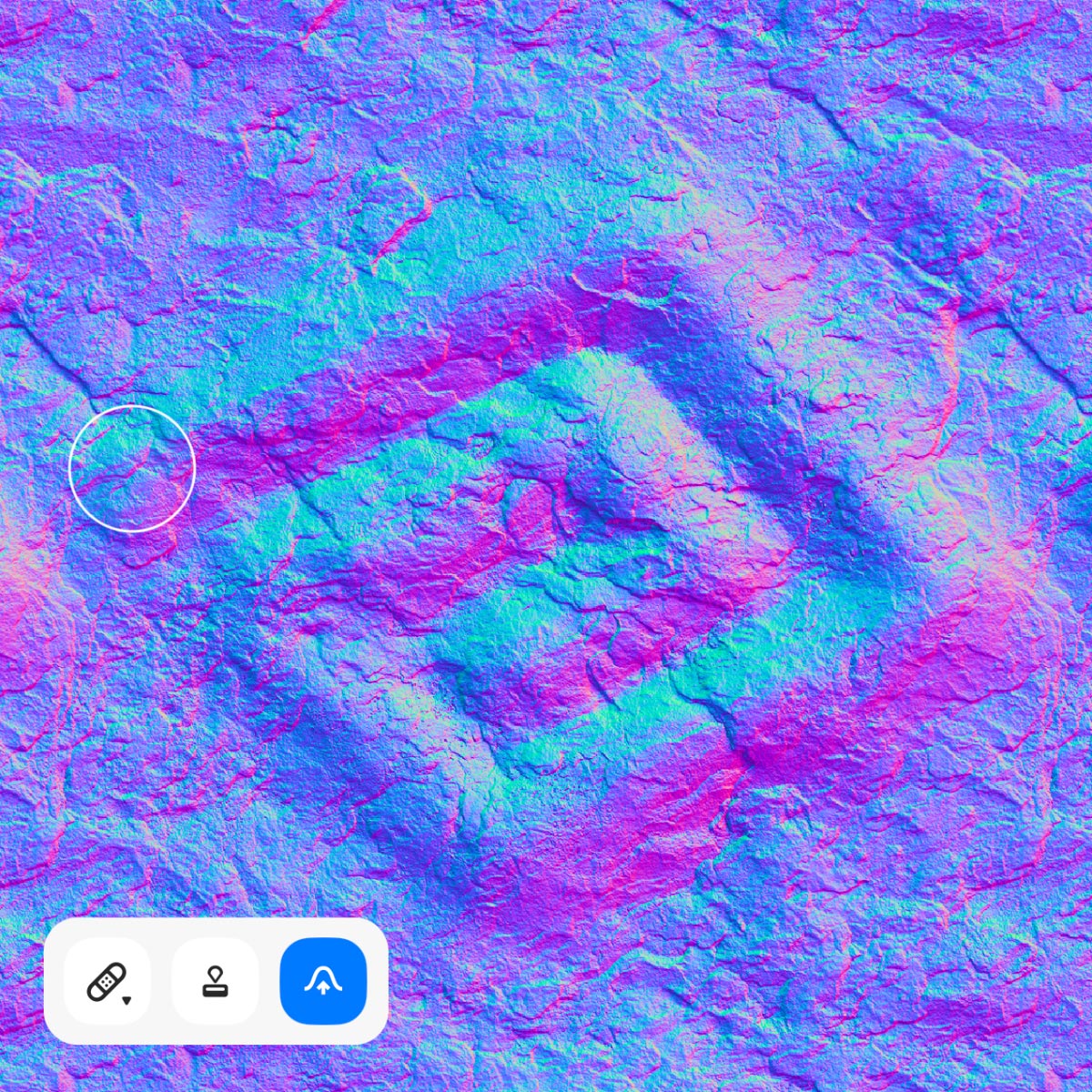
Automatic generation gets you most of the way there—then fine-tune the result with direct, hands-on tools. Sculpt surface relief on the Normal map, or paint the source image in the Source tab, without breaking your material workflow.
Sculpting tool
Paint raised bumps and recessed valleys directly onto the Normal map. Push and pull surface relief with natural brush strokes to sharpen edges, add wear, or soften flat areas—your changes flow through the entire PBR set in real time.
Brush tool
In the Source tab, paint freely across the image like a true digital brush. Hold Option (Alt) to sample any color from the source with the eyedropper, then brush it back in—ideal for blending seams, filling gaps, and adding subtle tonal variation before generation.
Export at 2× or 4× resolution
Need more detail for close-ups, hero shots, or large surfaces? Turn on the built-in, offline AI upscaler when you export—no internet connection or additional payment required—and Texturity PBR scales your texture maps two or four times larger, up to 4096×4096 px, for sharper results in high-resolution renders and demanding production pipelines.
Learn Texturity PBR
Short walkthroughs that show how to turn a photo into a complete PBR material set—from the first import to exporting your maps.
Frequently asked questions
What is a PBR texture?+
Can I generate PBR materials from my own photos?+
Is Texturity PBR a one-time purchase?+
Can I try Texturity before I buy?+
How do I create a seamless texture from a photo?+
Does Texturity PBR work offline?+
Can I use textures created with Texturity PBR for commercial purposes?+
Texturity PBR creates Physically Based Rendering materials from images
One-time payment. No Subscriptions. 3-day trial.
Full version $19.99.