Desktop Publishing Software for Mac
Swift Publisher is a super-intuitive, all-purpose page layout and desktop publishing app for Mac. It doesn’t matter what kind of document you need to layout and print — from brochures and calendars to CD labels and eye-catching, professional business cards — Swift Publisher covers it all.
Get Free TrialBuy Now $19.99


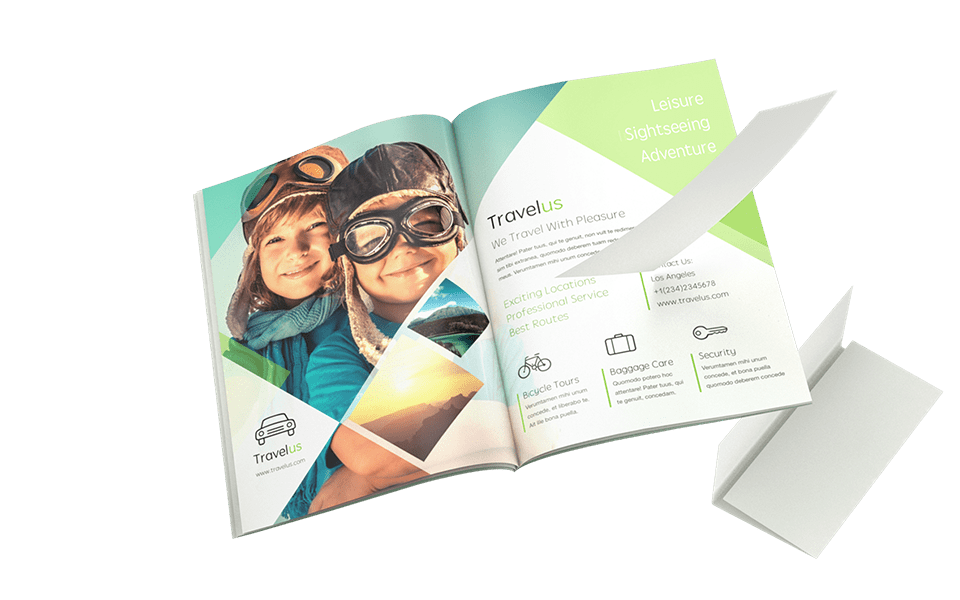
What Can I Design with Swift Publisher 5?

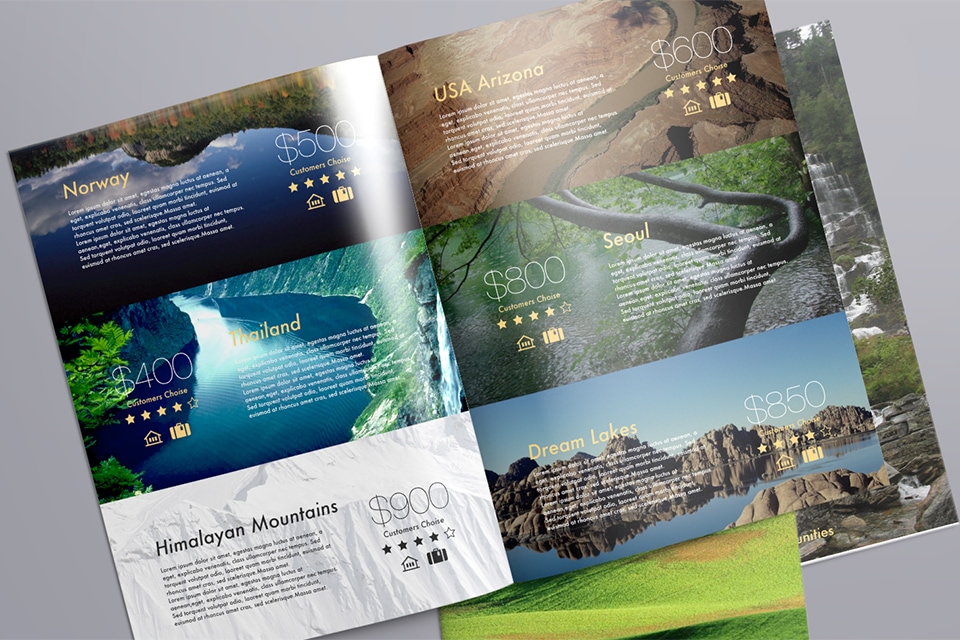
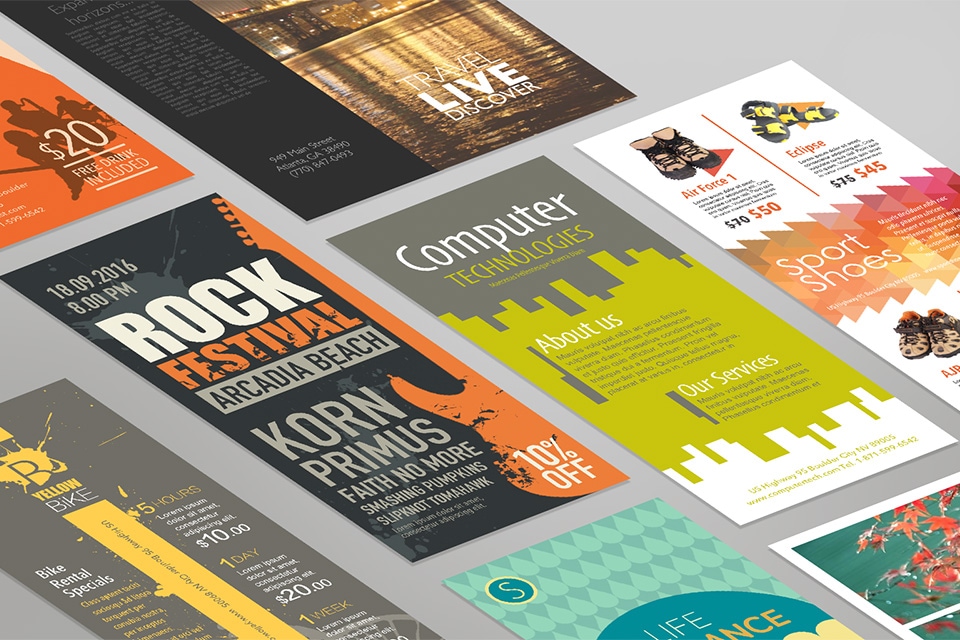
Brochures and Flyers

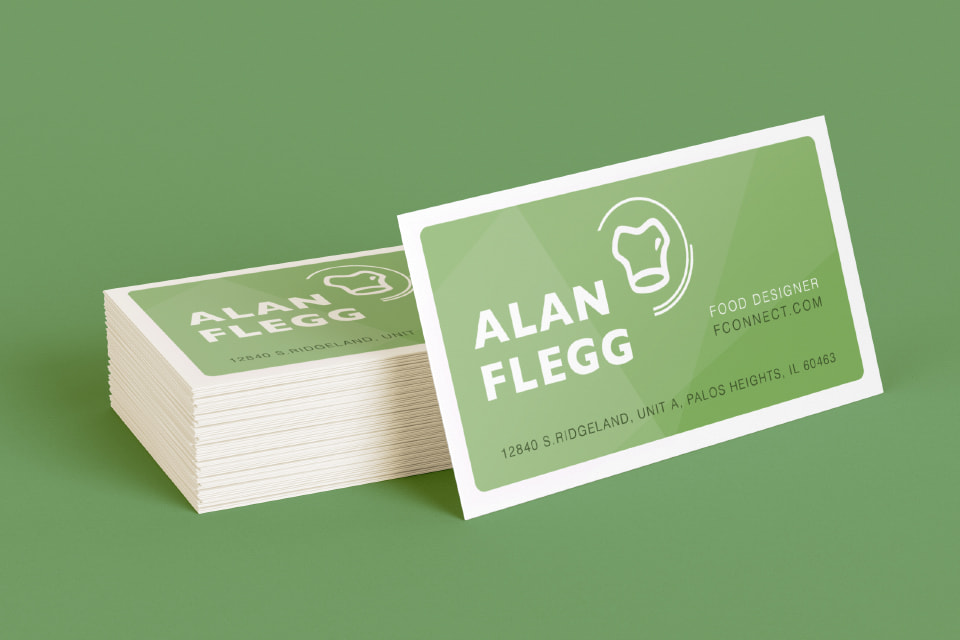
Business Cards

Discs and Covers

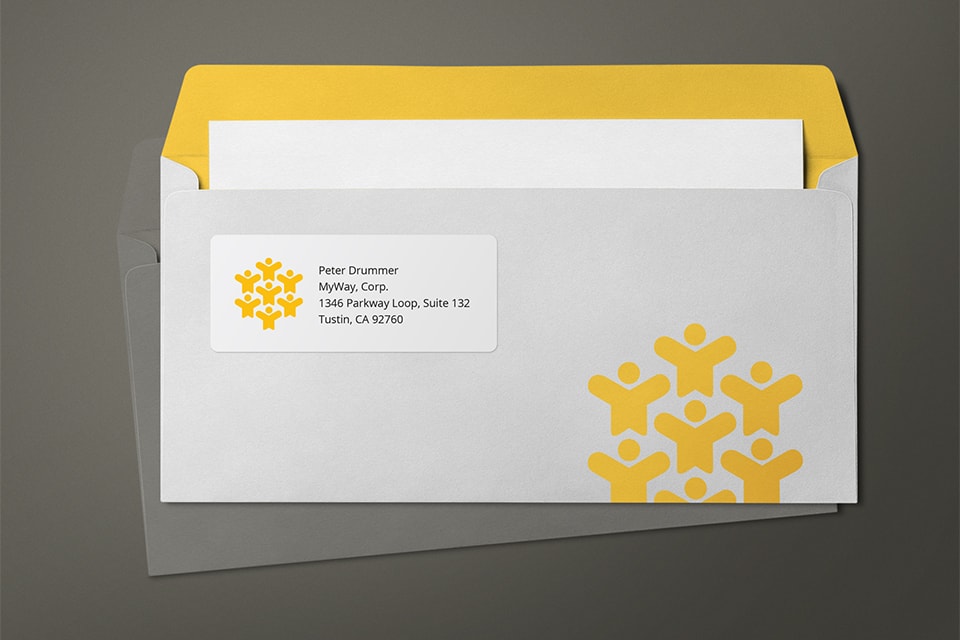
Labels and Envelopes

Swift Publisher for iPhone and iPad
We are happy to announce that a new version of Swift Publisher is on the way. This time it will be something entirely new—Swift Publisher for iPhone and iPad. Subscribe to our newsletter to be notified about the release.
500+ Professional Templates
Swift Publisher contains over 500 templates of diverse print projects, including bi-fold and tri-fold brochures, catalogs, business cards, social media, disc labels and covers, address labels and much more. Additional free templates are also available.
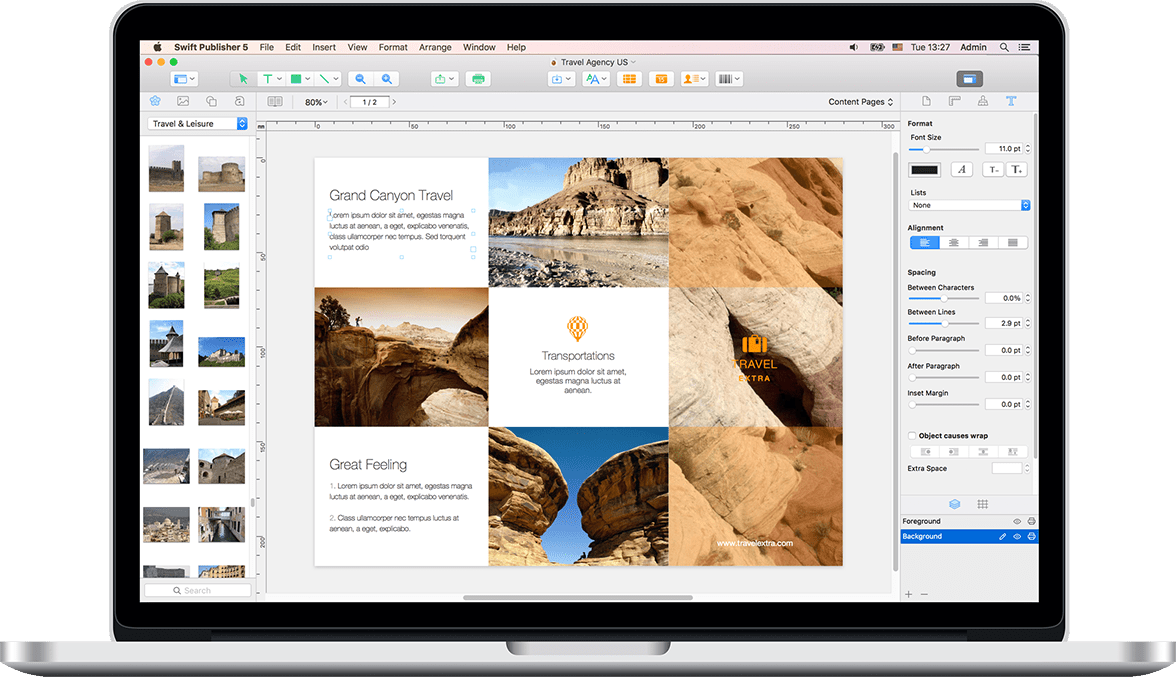

Rich Clipart Collections
Swift Publisher comes with 2,000 free clipart images and 100 image masks. You can extend that with 40,000 images and 100 additional fonts with Extras Pack for just $9.99.

Headings to Stand Out
A collection of 2D and 3D state of the art heading presets adds to the professional look of your page layout documents. Want to create your own text styles? Art Text 4 integration will assist you with that (Art Text 4 purchase required).

Two-Page Spreads
With Swift Publisher for Mac you can view and edit two pages side-by-side. Specific to professional desktop publishing software, this functionality is very convenient for working with magazines, newspapers and other double-page layouts.

Master Pages
Found only in the best DTP apps, Master pages are a powerful tool for creating repeating content: headers, footers, page numbers and common background for your documents.

Import from Media Libraries
Easily access your albums, collections and favorites from Apple Photos (iPhoto, Aperture), iTunes library or from any folder in the Finder.

Text Tools
Regular text is added with an adjustable Text Box tool. In addition, Swift Publisher has Circular Text and Vertical Text tools that are useful when designing discs and jewel case inserts.

Customizable Text Styles
Set up and save your own text styles for any document just once and apply them with one click of the mouse.
Extensive Design Tools
Using drawing tools, gradient fills, shadows, image tiling, over 100 image masks, a built-in image editor and other tools, you'll find that the design solutions are endless.


Flowing Text Boxes
Text boxes can be linked to make your text flow from one text box into another, even when text boxes are on different pages. That is great for complex, multi-column layouts such as self-publishing magazines and books.

Dynamic Data Fields and Merge Printing
The program supports dynamic fields which pull data from Apple Contacts or a text file. You can use these to batch-print mailing and barcode labels, business cards or name badges.

Unlimited Layers
Swift Publisher supports a layer-based workflow for creating complex designs with no mess. Layers have a dedicated tab in the Inspector, where you can also reorder them or make them invisible and non-printable.

Print at Home
Swift Publisher supports hundreds of paper layouts for business cards, disc and shipping labels (from Avery, Memorex, Neato and others) and also facilitates the creation of custom layouts. Supported printers include HP, Epson, Canon and other printers with a disc tray for direct-to-disc printing, as well as DYMO, Zebra, Brother, Seiko and Primera printers to print on label rolls.

Print at a Print Shop
When exporting your work to graphic file formats (PNG, PDF, TIFF, JPEG and EPS), easily comply with the print shop specifications by selecting either RGB or CMYK color model and setting up the required bleed size. Opt for converting text to curves to avoid issues with fonts, when submitting a document to a print shop.
Key Features

Customizable Templates
Over 500 pre-designed templates that you can customize and use for a quick solution.

Booklet Printing
Printing booklets in Swift Publisher is simple thanks to the page imposition features.

Spread View
Use the Spread View mode to view and edit two pages side-by-side.

Import from Photos and Custom Folder
Use photos from your favorite Photos albums and custom folders in your design projects.

Extensive Design Toolkit
Radial and linear gradients, drawing tools, smart shapes, editing layers and much more.

Mail Merge with Apple Contacts
Create a mailing list and automatically print labels or cards for all of your contacts in just one batch.

Flexible Text Tools
Take advantage of flowing text boxes, vertical and circle text tools.

Customizable Text Styles
Set up text styles for any document just once and apply them with one click of the mouse.

Customizable Grid
Take advantage of a customizable grid for precise document layout.

Unlimited Editing Layers
Swift Publisher sports a layer-based workflow for creating complex designs with no mess.

Export to PNG, TIFF, JPEG, EPS, and PDF
Export your projects to the most popular image formats and send them to a print shop.

Stylish Headings and Art Text 4 Integration
A collection of artistic headings and integration with Art Text 4 will brighten up your documents.

Barcodes and Serial Numbers
Conveniently generate QR Code, UPC, Code 39, EAN, ISBN and other barcodes using file data.

Label Paper and Printers Support
Print labels on various paper stock or directly to label rolls.



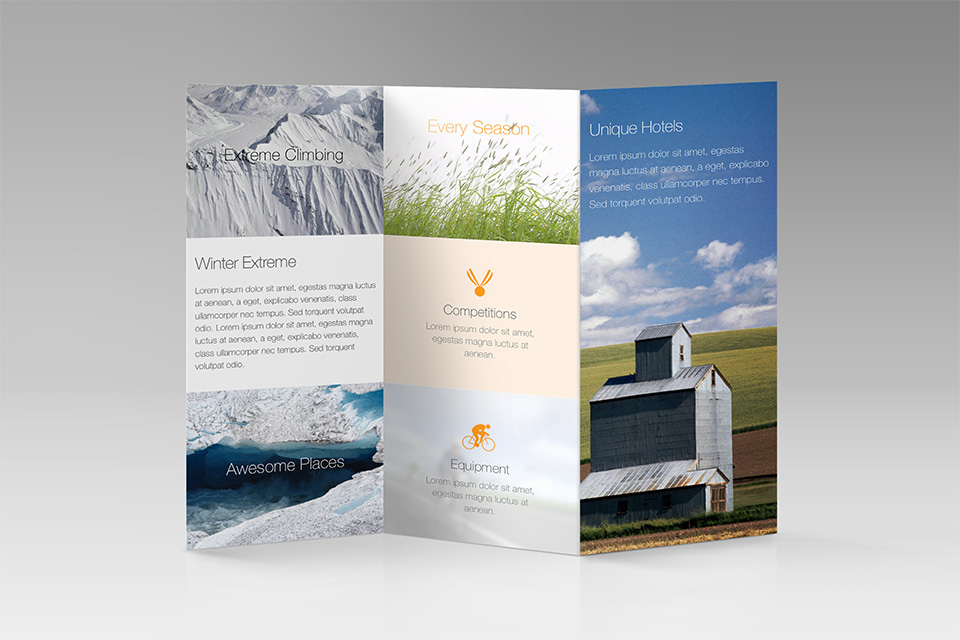
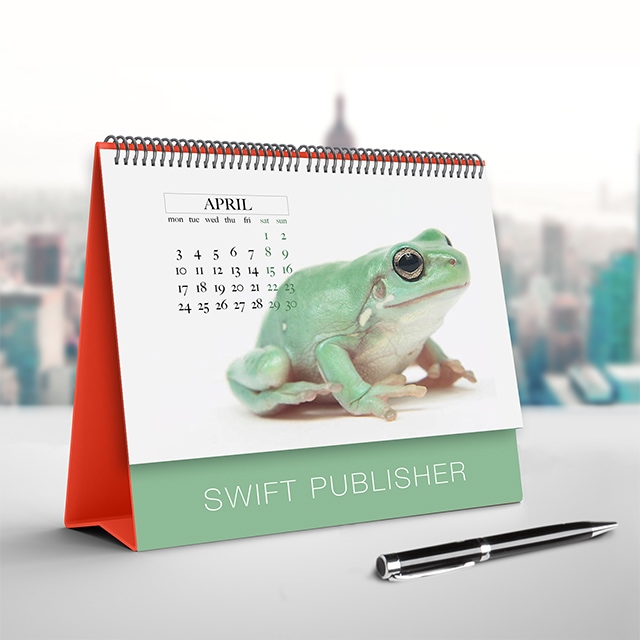
Samples


Video Tutorials


Latest News:
October 27, 2023 Swift Publisher 5.6.9 brings bug fixes and minor improvements. Read more
February 22, 2023 Swift Publisher 5.6.6 fixes PDF export of selected pages.
January 23, 2023 Swift Publisher 5.6.5 brings various technical improvements.
System Requirements:
macOS 10.12 or higher.
Return Policy:
30 day money back guarantee. Learn more
Available in:
English, German, Spanish, French, Italian, Japanese.
Previous Versions:
Download older versions of Swift Publisher, and product documentation.
This App Just Keeps Getting Better
Not many apps get a lot better on updates but this one does. Right from opening the app up you can already see that it has been improved. A lot cleaner interface. Many new and improved features also. Great job!
Desktop Publishing Made Easy
Super app. Does what it says and then some. Developer actually responds to questions and comments! If you do a lot of projects invest in the Clipart Bundle. While not strictly needed, it opens up a lot of creative options.
I Do Much With This Software!
I’m an author and I do a lot of promotion alongside my publisher. I make memes with the software. I’ve made my own bookmarks using it, which saved me more than the software cost. It’s easy to use and really fun to crate things. For business, it enables you to do brochures and business cards, etc. I absolutely love it.