Advanced Mac Backup Software
Keep your data safe with Get Backup Pro, backup, archive, disk cloning, and folder sync software for Mac. Quickly back up data, create bootable and encrypted backups, sync folders, and be confident that your data is safely stored in case of system failure or information loss.
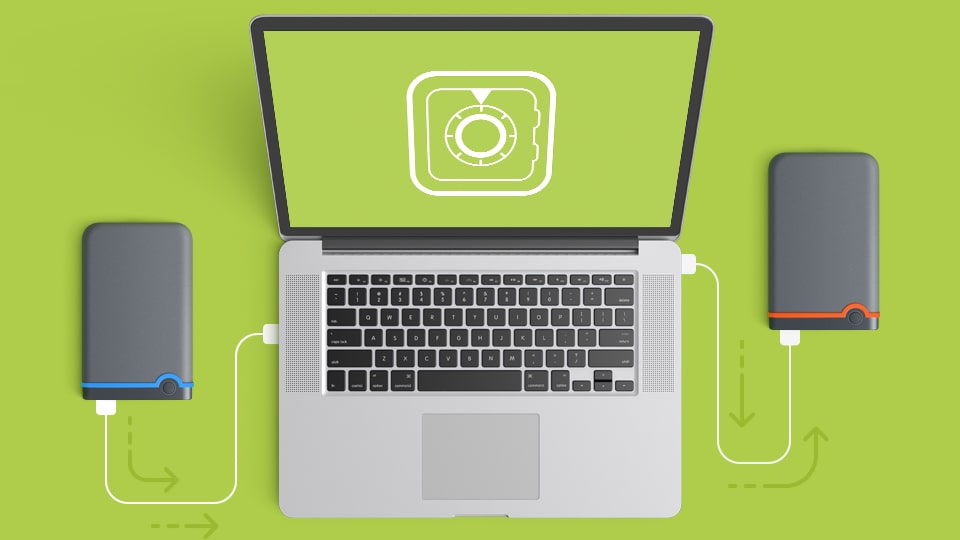
Backup, Clone, Archive, Sync — All in One App
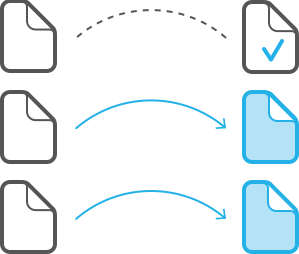
Data Backup
Use Get Backup Pro to make a copy of your data. Created backups are incremental, which means that only the new files that were not present during the original backup are copied. In each subsequent backup, thanks to using hard links to the original files, the backup folder looks like a full backup, but takes very little additional storage space over the original.
Create backups using templates for iTunes, Mail, Contacts, Documents, and Photos. Set up backup encryption and automated backup schedule.
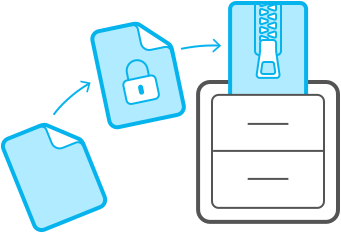
Secure Backup Archives the Easy Way
Choose between a full or incremental backup archives, and even encrypt it using AES-128, AES-256, Blowfish, or Triple DES. Just set up an automated backup schedule and choose to archive your files to an external disk, network volume, or CD and DVD, and let Get Backup Pro keep your data safe. Later, restore archives on any computer without having Get Backup Pro installed.
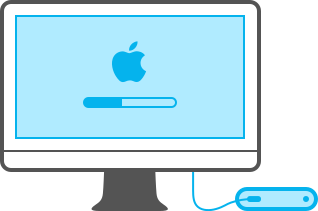
Bootable Backups via Cloning
Migrating to a new disk has never been easier or faster. With the cloning feature, clone your disk volume to get a backup disk that can be booted up at any moment, whether you have new APFS or traditional HFS+. If the disk in your Mac fails, just take it out and restore from clone to get back to work without losing any time. Or, if you're waiting for a new disk, boot up using the clone as an external drive. Say goodbye to long, tedious restore processes!
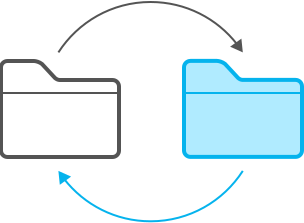
Keep Folders in Sync
Synchronize files and folders on your Mac with another computer or mounted drive using the sync features. Sync in one direction or update files in both locations using bidirectional synchronization. As with backing up files, sync projects can be scheduled to run at a certain time on any day, so Get Backup Pro does the work for you.
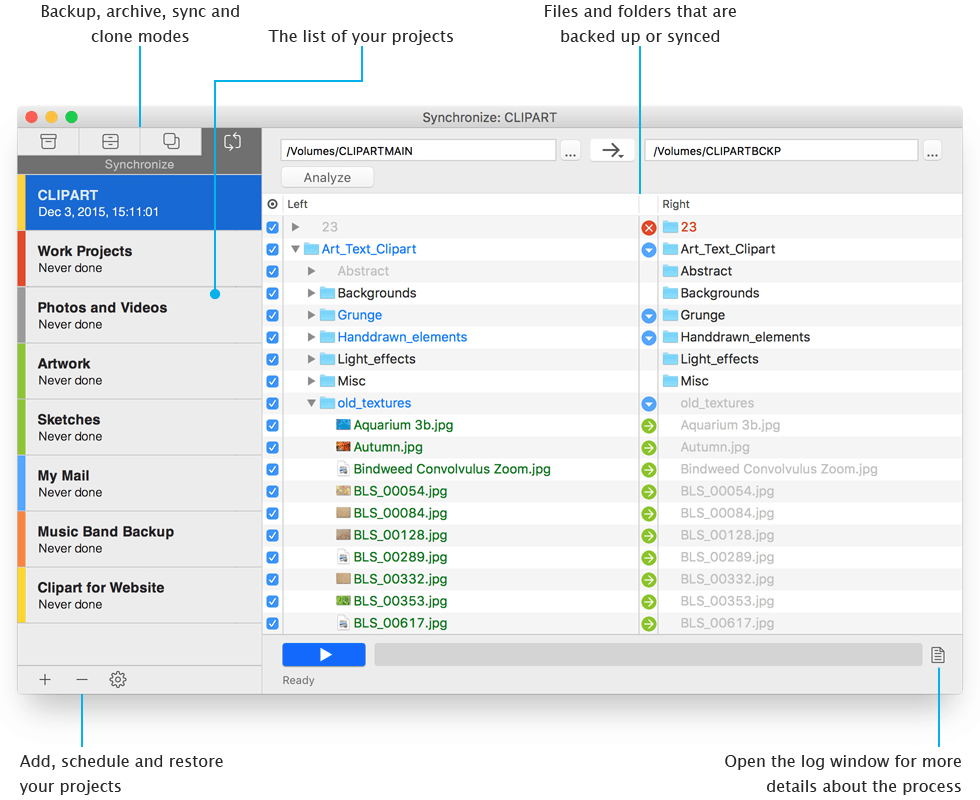
Key Features
Incremental and Compressed Backups
Full and incremental backups, which allow to save space. Compressed backups reduce the size of resulting archives as much as up to 60%.
Bootable Backups
Create a bootable APFS/HFS+ clone of your hard drive to get a backup disk that can be booted up and used in case of a crash.
Encrypted Backups
Encrypt your archives in Get Backup Pro using AES-128, AES-256, Blowfish, or Triple DES.
Backup to External or Network Volumes
Backup to external devices and drives or to network volumes that can be auto-mounted.
Stealth Mode for Scheduled Backups
Get Backup Pro launches in stealth mode for scheduled backups, and quits automatically after all scheduled processes are complete.
Automatic Backup and Sync
Schedule your backup, archive, clone, and sync projects to execute automatically on a given date and time or right after a project drive mounting.
Backup to CD and DVD
Burn multi-volume backups to CD or DVD without using third-party burning software.
Folder Synchronization
Keeps files in two different locations synced with unidirectional and bidirectional sync.
Templates for App Data
Easily add data from iTunes, Photos, Mail, Contacts, and Documents folder.
Restore to Any Computer
Quickly and easily restore your backups to any Mac without having Get Backup Pro installed.

A Perfect Companion for Time Machine
Get Backup Pro can serve as a good addition to Time Machine as it has some extra features. With Get Backup Pro you can create bootable backups using disk cloning functionality, encrypted backups to keep your data safe, choose which files or folders to back up, compress your archives, back up mounted and network disks. Read more



Useful Articles:
Get Backup vs. Time MachineFind out whether you need more than Time Machine.
Data Backup and StorageHow and why to backup data effectively.
Restoring a Get Backup Archive ManuallyHow to restore an archive without having Get Backup installed
Latest News:
November 8, 2023 Get Backup 3.7.3: cloning improvements and fixes. Read more
September 19, 2023 Get Backup 3.7.2 is now compatible with macOS 14 Sonoma.
March 7, 2023 Get Backup 3.7.1 introduces cloning to a disk image.
SubscribeSystem Requirements:
macOS 10.10 or higher.
Return Policy:
30 day money back guarantee. Learn more
Available in:
English
Previous Versions:
Download older versions of Get Backup, and product documentation.