Hide and Encrypt Files and Passwords on Your Mac
This reliable encryption Mac software stores information in the form of cards and uses industry-standard methods of data encryption (AES-256) to protect your credit card numbers, website passwords, software license codes, confidential files and photos, and much more.
Note that the free trial has no time limits, but allows you to store a restricted amount of information.
Why Do I Need Encryption Software
Credit Cards
Safely store all of your credit card numbers.

App Licenses
Bring your app licenses into one secure location.
Hide Files
Conceal and encrypt files of any and all types.
Login Information
Never forget a username or password again.

Store Notes
Store notes and text files with sensitive data.
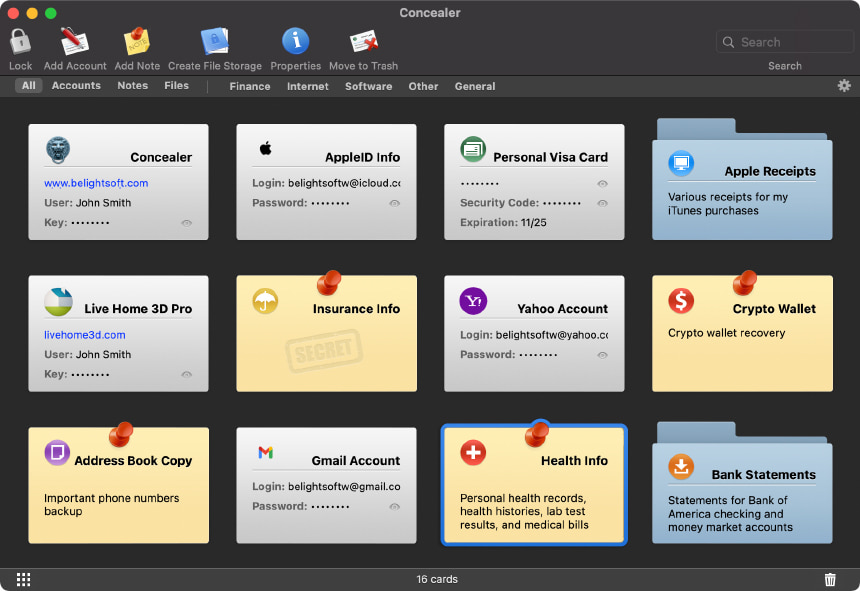
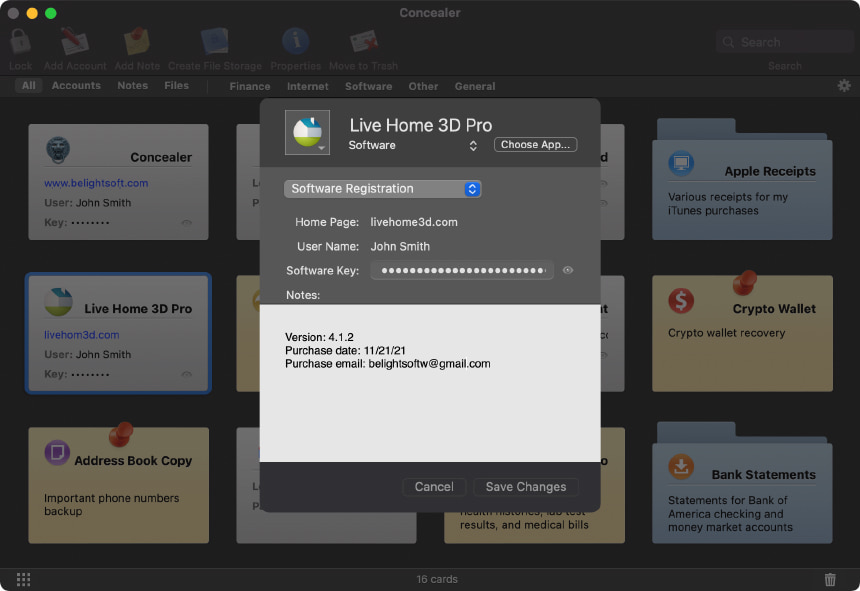
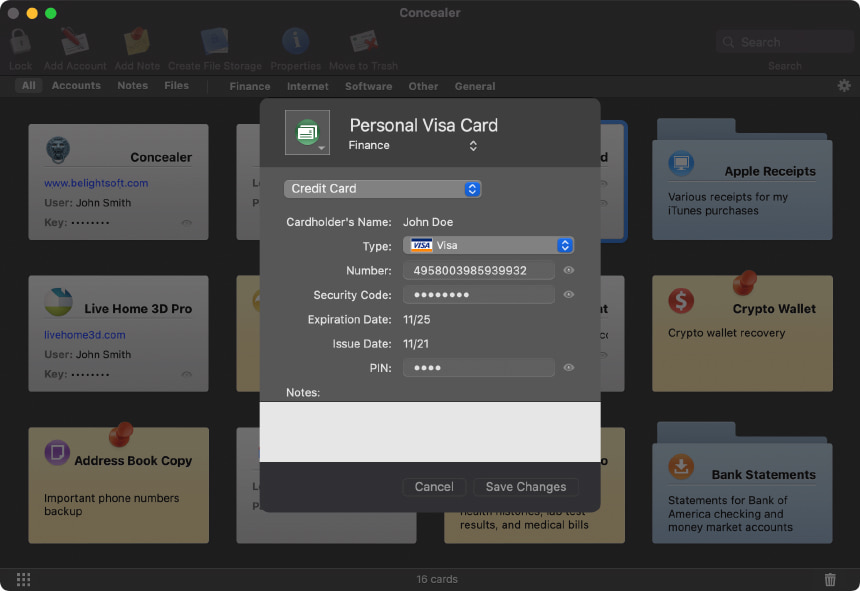
Reliable Data Encryption Tool
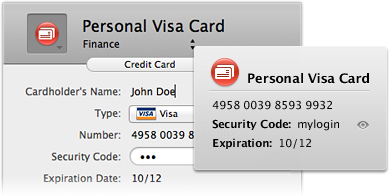
Secure Account Information
This password manager comes with card templates that make it quick and easy to store credit card details, passwords and login information, software serial numbers, and much more. Just choose a category and copy your data into the fields. Without your master password, no one will ever be able to find this encrypted data.
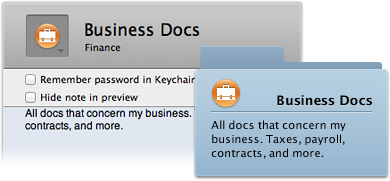
Hide Files and Folders
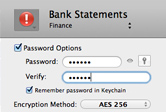
Our encryption software not only hides your files, but also protects them by putting them in a sparse bundle with AES-256 encryption. Use only the master password or assign a separate password for each file vault to double the protection. Adding files is as simple as dragging and dropping them from the Finder. Easy and effective.
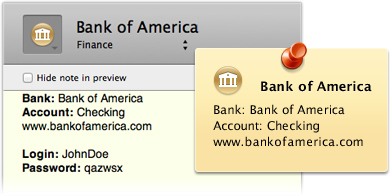
Use Note Cards for Text
Already have information stored in the form of a text file? Just copy and paste it right into a note card and format it inside of Concealer. Have a journal or diary? Use note cards to keep those safe, too! What it comes down to is that regardless of the type of information, Concealer can protect it!
Key Features
Card Templates
Quickly save account info using ready-made templates that have all of the fields you need.
Double Protection for Files
In addition to the master password, assign a separate password to each file storage card.
Custom Card Icons
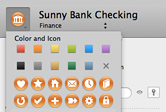
Customize the icons for each card using 60 included icons. Or insert your own image!
Autolock
Leaving your Mac for a few minutes? Concealer automatically locks your repository for you!
Quick Sorting
Easily sort cards by type (accounts, files, notes) and by content (credit cards, login info, etc.).
Password Generator
Our password manager can also generate a password for you or assess the quality of your own password.
Master Password
Set one single master password that opens the repository. No need for multiple passwords!
Remote Repository
Move your card repository to a USB drive to take it with you, or to a local network disk.
AES-256 Encryption
Concealer uses AES-256 to make sure your info is safe both inside and outside the app.
Export Cards
Notes and cards with account and login info can quickly be exported to text files


Resources:
Get BackupData backup and folder syncing solution by BeLight Software. Use Get Backup together with Concealer to keep your data safe and out of harm's way.
Data Backup and StorageHow and why to backup data effectively. Learn about the history of data and the different backup strategies to find what works best for you.
Latest News:
December 26, 2023 Concealer 1.3.7 adds error handling for password changes to file storages. Read more
August 4, 2023 Concealer 1.3.6 brings various fixes and enhancements.
November 8, 2022 Concealer 1.3.5 is now compatible with macOS 13 Ventura.
SubscribeSystem Requirements:
macOS 10.10 or higher.
Return Policy:
30 day money back guarantee. Learn more
Available in:
English, German.
Previous Versions:
Download older versions of Concealer.